The WhatsApp Business app stops being enough the day your venue's phone can no longer keep up: several people replying from the same number, bookings that have to be copied into the system by hand and reminders nobody has time to send. From that point on, what you need is the WhatsApp Business API.
In this guide we explain exactly what it is, how it differs from the app, how Meta charges since it changed its pricing model in July 2025 and the steps you need to take to get it running in a restaurant, a hotel or a campsite.
What the WhatsApp Business API is
The WhatsApp Business API (Meta calls it the WhatsApp Business Platform) is the way to connect your business's WhatsApp to other software. It isn't an app you download: it's the doorway through which a booking system, a CRM or an AI agent sends and receives messages from your number.
The infrastructure is hosted by Meta (the current version is called the Cloud API), and access is organised around a WhatsApp Business Account, or WABA: the official account that groups your numbers, your templates and your billing. If you want the detail on each piece, it's all in what a WABA is.
The practical difference from the app is simple: the app is a tool for a person to reply from a phone; the API is for your business's WhatsApp to run on its own, connected to the rest of your systems.
WhatsApp Business app or API: which one your business needs
Not every business needs the API. The free app is enough when:
- You get few messages a day and the same person always answers them.
- You don't mind copying bookings into your system by hand.
- A greeting message and an away message are enough to cover the moments when you can't reply.
The API starts to pay off when:
- Several people need to handle the same number at the same time.
- You want bookings that come in through WhatsApp to land in your system without copying them over.
- You need to send automatic confirmations and reminders to reduce no-shows.
- You want someone (or something) to reply at eleven at night and in the middle of service.
- You want to send WhatsApp marketing campaigns to your customer base and measure how many bookings they generate.
In hospitality the tipping point usually comes sooner than you'd think, because messages pile up at exactly the hours when the team can't look at the phone.
Your WhatsApp, connected and answering on its own
Bookline sets up the WhatsApp Business API for you and adds WhatsApp marketing campaigns on top and, if you run a restaurant, an AI agent that answers on the same number.
Request your demoHow much the WhatsApp Business API costs
Since 1 July 2025, Meta charges per message, not per conversation as it did before. And it only charges for one type of message: delivered templates, that is, messages your business initiates using pre-approved text. The price depends on three things: the template category, the country of the number receiving it and, for some categories, the volume you send each month.
There are four categories:
Marketing
Promotions, special menus, winning back customers who haven't been in for a while. It's the most expensive category and you always pay for it when it's delivered.
Utility
Messages tied to something the customer has already done: a booking confirmation, a reminder, a change of opening hours. If it's sent within 24 hours of the customer's last message, it's free; outside that window you pay for it, though it's cheaper than a marketing one.
Authentication
One-time codes to verify a user. Restaurants and hotels rarely use them.
Service
Free-form replies, without a template, to a customer who has messaged you. They're free while the customer service window is open: 24 hours from the customer's last message.
An example: what you pay for and what you don't
Here's how the model plays out on a normal day at a restaurant:
- A customer messages at 18:00 asking for a table on Saturday. Free: everything you reply in the next 24 hours counts as service.
- You confirm the booking in that same conversation. Free, even if you use a utility template, because the window is still open.
- On Friday you send a reminder. The window has closed by then, so it's a paid utility template.
- A month later you send them the seasonal menu. Marketing template, paid.
There's one exception worth knowing: if the customer messages you from a Facebook or Instagram ad that opens WhatsApp, Meta gives you 72 hours in which all messages are free, templates included.
Meta publishes the rates by country and category in its pricing table, and only changes them on the first day of each quarter. On top of that comes whatever the provider giving you API access charges, which is where costs really vary from one company to another.
Templates: the rule that governs everything
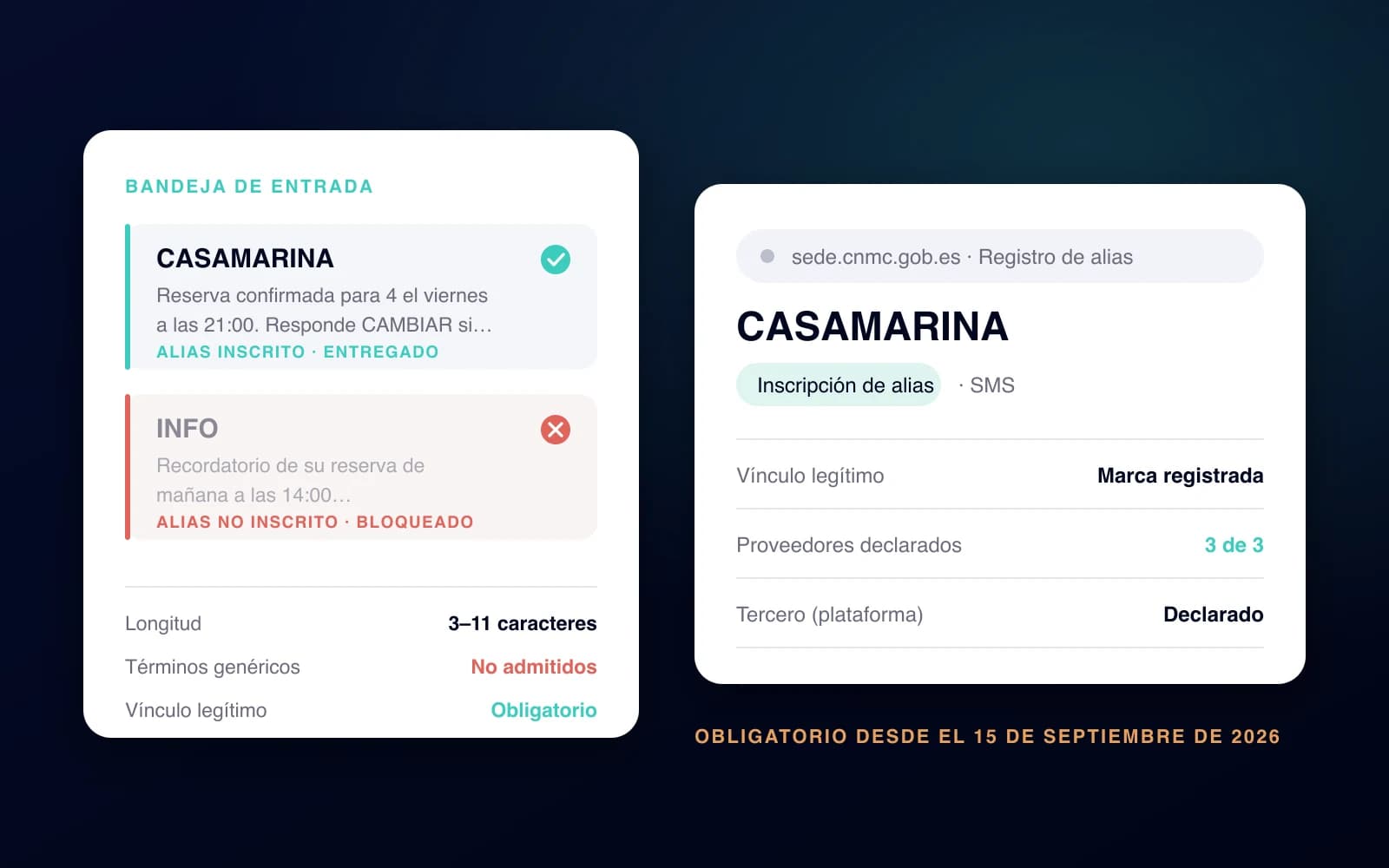
With the API you can't write whatever you like to whoever you like. To start a conversation, or to write outside the 24-hour window, you need a template approved by Meta, with its category and, if you want, variables such as the customer's name or the date and time of the booking.
This protects customers from spam and, in turn, protects your number: if lots of recipients block or report your messages, Meta lowers your account's quality rating and limits your sending. That's why a template has to be useful, clear and sent only to people who have agreed to receive it.
Which types of template work for a restaurant, with examples, is covered in types of WhatsApp templates.
Messaging limits and business verification
Meta doesn't let a new account send thousands of messages on day one. A newly created business can start conversations with 250 different people every 24 hours. From there, the limits go up in tiers: 2,000, 10,000, 100,000 and unlimited.
The first jump, from 250 to 2,000, mainly comes from verifying your business with Meta. The next ones come automatically if your messages are good quality and you use at least half of your current limit. The limits apply to your company's whole business portfolio in Meta, not to each number separately.
For a restaurant that confirms and sends reminders for its own bookings, 250 is usually enough at first. For a WhatsApp marketing campaign to your whole customer base, it isn't.
How to get the WhatsApp Business API
The steps are always the same, whether your team does it or a provider does:
- A business portfolio in Meta (formerly Business Manager), which everything else hangs from.
- A phone number for the API. The simplest option is a dedicated one: Meta lets you use the same number in the app and the API (it calls this coexistence), but it isn't available in every country, and in the European Union it's worth checking with your provider first.
- Business verification, with your company's details and documents.
- The display name, which Meta reviews before approving it.
- A provider or your own development. Integrating directly with the Cloud API requires coding; in hospitality the usual route is through a provider that already brings the tool on top.
- Your customers' consent to message them, collected clearly and in line with GDPR.
What a restaurant or hotel does with the API
The API on its own doesn't do anything: it's the connection. What changes your day-to-day is what you put on top of it. In hospitality, three things:
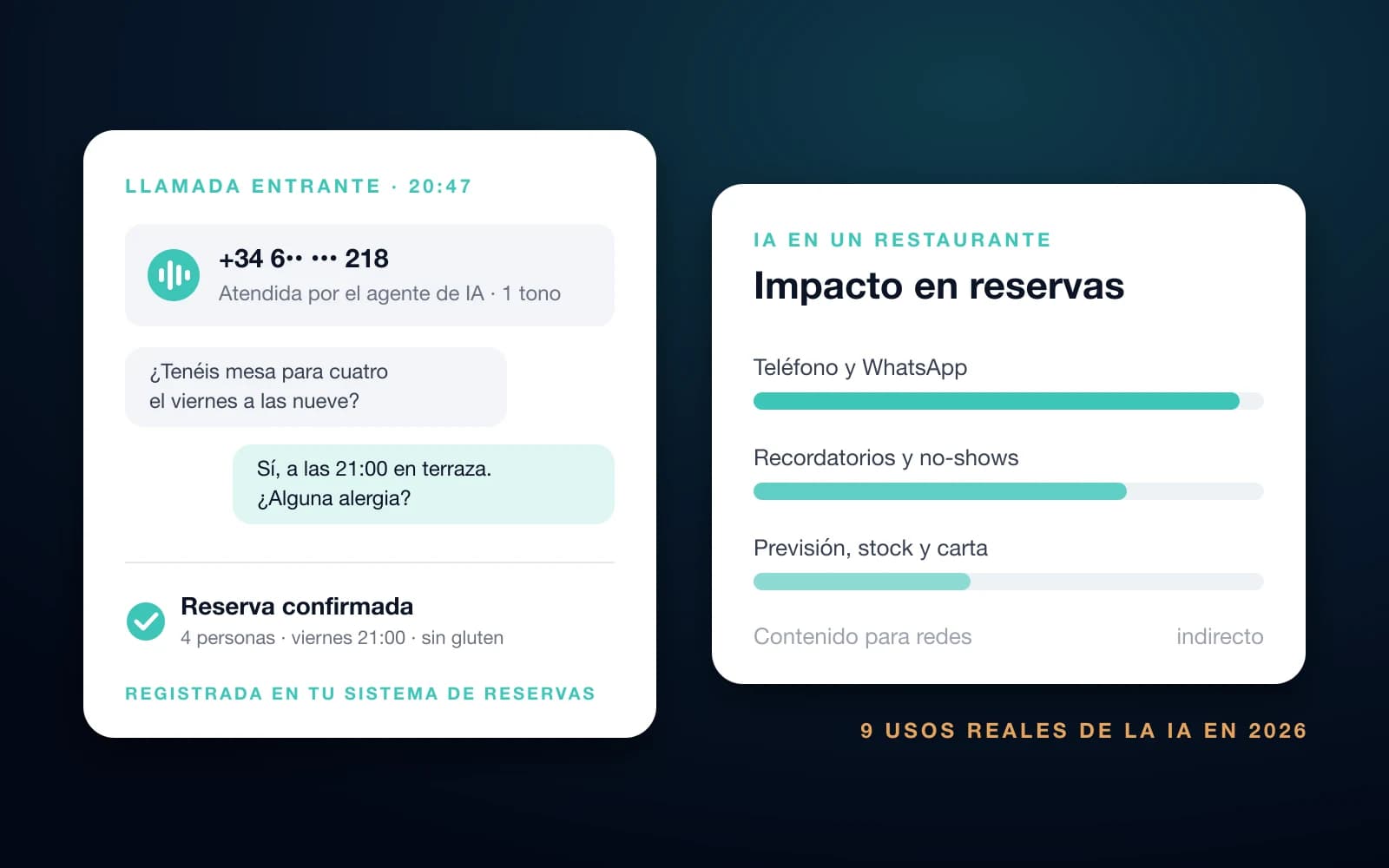
- Answering: in a restaurant, a WhatsApp AI agent that understands what the customer writes, checks availability, makes the booking and passes on to a person whatever needs a person. We explain how a WhatsApp chatbot works and how it differs from a button-based one separately.
- Confirming and reminding: automatic confirmation and reminder messages for every booking, without anyone on the team writing them.
- Selling: WhatsApp marketing campaigns to your own customers to fill quiet days or announce a menu, with deliveries, reads and bookings measured. There are real examples for inspiration.
With Bookline, we set up the WABA, the number verification and the template approval for you. In a restaurant, the agent and the WhatsApp marketing campaigns run from the same number.
Frequently asked questions
Is the WhatsApp Business API free?
Access has no fee from Meta, but messages do: Meta charges for each delivered template according to its category and the recipient's country. Replying to a customer who has messaged you is free for 24 hours, and utility templates, such as a confirmation, are also free within that window. On top of that comes whatever your provider charges.
Can I use the same number in the API that I have in the WhatsApp Business app?
Sometimes. Meta lets a number from the app also work in the API, but that option isn't available in every country and it has limitations. In the European Union, ask your provider before deciding. If it isn't possible, the number moves to the API and can no longer be used in the mobile app.
Do I need a developer to use the WhatsApp API?
Only if you integrate directly with Meta. If you go through a provider, they handle the technical side and you work from their tool: with Bookline, from the portal, where you see the agent's conversations and launch your WhatsApp marketing campaigns.
What is the difference between the WhatsApp Business API and a WABA?
The API is the technical connection between your WhatsApp and other software; the WABA is the official account Meta assigns you to use it, with your numbers, your templates and your billing. To use the API you need a WABA.