When WhatsApp Business API requires that any message your restaurant initiates — not a reply to a customer — use a pre-approved template, the question stops being "can I send this?" and becomes "which templates do I need?". The template that recovers a lost booking isn't the same one that announces the Christmas menu or asks for a review after dinner.
This guide walks through the types of WhatsApp templates that perform best in restaurants, with message examples for each, and what to consider when designing them inside a WhatsApp campaign.
What a WhatsApp template is (and why one isn't enough)
WhatsApp Business API distinguishes three official template categories: Marketing (promotions, news, win-back), Utility (confirmations, reminders, transaction-related notices) and Authentication (one-time codes). Every template is submitted to Meta for approval before it can be used, and the category determines both the sending cost and the content restrictions.
A restaurant with only a generic "promotion" template misses out on half the use cases: it doesn't work for announcing a freed-up table, asking for a review, or reminding a confirmed booking. Bookline works with templates already approved by WhatsApp for the most common cases, so there's no need to go through Meta's approval process to get started.
Templates for recovering lost bookings
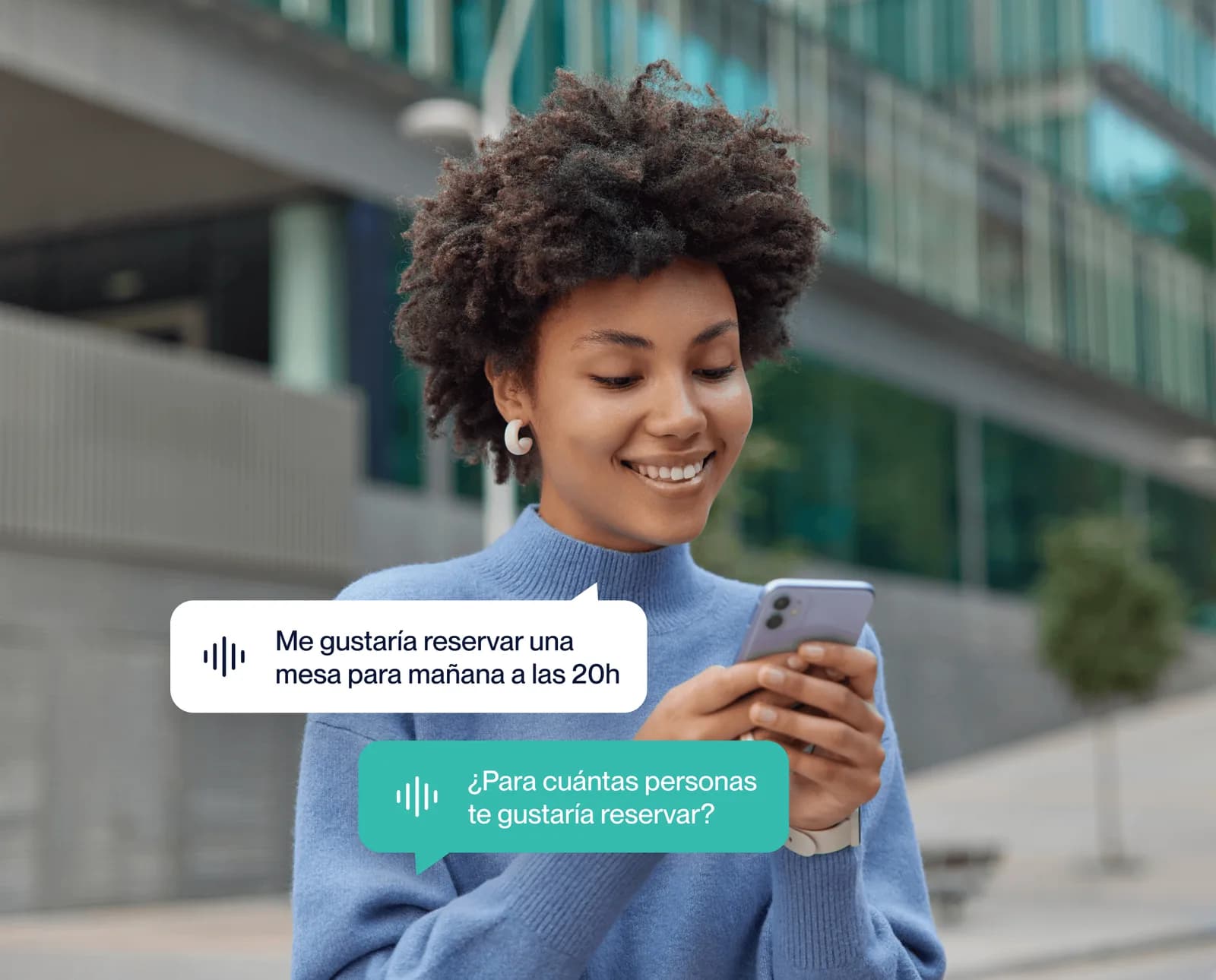
These trigger when a customer called or messaged asking for a table and there was no availability. Instead of losing that contact, the template fires as soon as the slot they wanted — or an equivalent one — opens up.
"Hi! You called us on Friday for a table for 4 and we were full. A slot at that time just opened up. Shall we book it for you?"
This type of template needs little text but one key variable: the exact date or time the customer asked for. The closer it's sent to the moment availability opened up, the higher the response rate.
Turn every template into automatic bookings
Bookline manages the approval, sending and follow-up conversation for your WhatsApp templates — set up your first campaign in minutes.
Request your demoSeasonal and event templates
These announce a specific booking window: a season opening, a local event or a special menu with a deadline. Unlike win-back templates, they don't depend on customer history — they go out to a broad segment with an identical message.
Season openings
"We're opening the summer terrace on June 1st. Book your table for the first days now — they fill up fast." Works best sent 1-2 weeks before opening, with a direct booking link.
Holiday menus and local events
"There's a concert in the square this Saturday and we have a special tapas menu before the show. Shall we book you a table for 8pm?" Pair the template with a local detail (event, holiday, specific date) so it doesn't read as generic spam.
Win-back templates for inactive customers
These target customers who haven't returned within a set period (60, 90 days) or relevant dates like a birthday. They need segmentation by visit history, not just a contact list.
- "We miss you": an offer, or simply a reminder of what's new since their last visit.
- Birthday or anniversary: a discount or invitation with limited validity, sent with enough notice for them to plan.
- Recurring customers: early access to bookings or exclusive upgrades over new customers.
Templates for filling last-minute availability
These cover cancellations or gaps that appear with just a few hours' notice. They're sent to a short list of customers with a high likelihood of accepting — usually those who recently asked about that time slot or live nearby.
"A table for 2 just opened up tonight at 9:30pm. First to reply gets it." The response window is short, so this template only makes sense if the business can confirm the booking instantly — something an AI agent connected to WhatsApp handles without manual intervention.
Upselling and cross-selling templates
These don't aim for a new booking, but for increasing the average ticket of one already confirmed.
- Tasting menu or wine pairing for group bookings
- Table upgrade (terrace, VIP area) with a surcharge
- Add-ons: birthday cake, welcome bottle, table flowers
Send these between the booking confirmation and the visit date — never on the day itself, so as not to overwhelm the customer.
Post-visit survey and reputation templates
These fire automatically a few hours after the visit and ask for a quick rating or a Google review. Well segmented — only to satisfied customers, identified through an initial rating question — they improve online reputation without risking complaints being funneled into a public review.
"Thanks for coming today. How was your experience, from 1 to 5?" If the answer is high, the next template asks for the Google review; if it's low, it routes to customer support instead of asking for a review.
Best practices to get your templates approved by WhatsApp on the first try
- Pick the right category: a booking-recovery template is Utility, not Marketing — misclassifying it delays approval or raises the sending cost.
- Use variables, not fixed text, for anything that changes: name, date, time. Meta rejects templates with content that should be variable.
- Avoid excessive capitals and symbols: "UNIQUE OFFER!!!" reads as spam and lowers both approval and open rates.
- Always include a clear opt-out: a "STOP" reply option or similar on recurring marketing templates.
- Test the message with real data before launching the full campaign: a badly formatted variable across 500 sends is a much bigger problem than across 5.