WhatsApp marketing campaigns
Bring your customers back with one WhatsApp message
Your booking and call history is a customer database you aren't using today. With Bookline's WhatsApp marketing campaigns you choose who to message, send in minutes from your portal and see how many bookings every message brings in.

Sound familiar?
You have a customer database and you're not using it
Every booking, call and message leaves a name, a date and a phone number. Almost no business ever messages those people again.

Customers come once and never return
Without a reason to come back, even a happy customer forgets you. Retention isn't waiting: it's reaching out at the right moment.
Hundreds of phone numbers, sitting unused
Your booking history is already a list of interested customers. Today it sits in a system instead of bringing in bookings.
Midweek, tables or rooms stay empty
Slow days don't fill themselves. A message with a concrete reason, sent to the right customers, does.
Your promotions reach no one
Emails go unopened and on social media you're fighting the algorithm. WhatsApp is the app your customers already check every day.
What it is
What is a WhatsApp marketing campaign?
It's a message you send on WhatsApp to the customers you already have: news, an offer or an invitation to book. Each person gets it in their own chat, with their name, and can reply or book right there. It's remarketing, but with your real customers instead of ads shown to strangers.
Three types of campaign, depending on your goal
Inform
Share news: a seasonal menu, new opening hours, an event or a reminder.
Call to action
Invite customers to book with a button and measure how many tap it.
Bookings
The customer replies and Bookline's AI agent completes the booking in the same chat.
2B+
active users: your customers are already on WhatsApp
Meta
Meta-approved templates: no blocks or rejections
Official API
no 256-contact limit like broadcast lists
Real case · Restaurant group
A €10 WhatsApp send brought 27 guests to their bar
A restaurant group in Mexico City hosted a one-day open bar, snacks and DJ event at one of its bars to watch a big final, and announced it with a single send to the contacts who had called its restaurants in the previous 90 days. More people called than the venue could hold.
The campaign funnel
- Sent
- 512
- Received
- 375
- Read
- 222
- Calls to book
- 17
- Bookings closed
- 7
€10.48
campaign cost
27
attributed diners
€1,350
revenue generated
128×
return on investment
“Read” only counts people with read receipts turned on: actual reads are estimated at 280–300. Revenue: 27 diners × an estimated €50 average ticket.
I want results like theseHow it works
How to send a WhatsApp campaign in 4 steps
Everything happens in your Bookline portal, with no agencies or middlemen. Spot empty slots on a Tuesday morning and your campaign is out by noon.
Choose your goal
Share news, invite customers to book with a link, or open a booking conversation with the AI agent.
Choose who receives it
Upload your contacts as a CSV or filter your booking history: regulars, VIPs, people who haven't come in for months…
Personalize the message
Start from a Meta-approved template and add variables such as name, date or offer. Every customer gets a message that feels written for them.
Send and measure
See in real time how many received it, read it and tapped the button, and how many bookings the campaign brings in.

You launch it, whenever you need to
Setting up a campaign takes minutes, so you can use one every time you have tables or rooms to fill: that's what makes it so profitable. If you'd rather start with help, our team will build the first ones with you.
Results
See how many bookings each message brings in
Not just how many opened it: how many tables were booked and how much revenue the campaign generated. And, for each contact, who read it and who tapped.
- Full funnel: sent, delivered, read and clicks
- Activity for every contact, one by one
- Bookings and revenue attributed to each campaign
Use cases
WhatsApp campaign ideas to win back and retain customers
What businesses ask us for most, turned into a campaign ready to send.
Win back customers who stopped coming
Message people who haven't visited in three or six months and give them a concrete reason to return.
- “We miss you” campaigns
- Offers for lapsed customers
- What's new since their last visit
Fill slow days
Turn quiet Mondays and Tuesdays into booked tables or rooms with an offer designed for your regulars.
- Monday-to-Thursday promotions
- Special rates in low season
- Last-minute alerts when there are gaps
Promote events and seasons
Seasonal menus, matches, holidays or the summer opening: tell the people who already know you first.
- Seasonal and holiday menus
- Events, matches and theme nights
- Pre-sales and early booking
Recover people who didn't finish booking
Someone who called or messaged without booking has already shown interest. Follow up when a slot opens and the AI agent completes the booking in the chat.
- Automatic waiting list
- Follow-up on enquiries without a booking
- Alerts when a cancellation frees a slot
Birthdays and loyalty
A thoughtful touch at the right moment does more for loyalty than any points card.
- Birthday and anniversary messages
- Perks for returning customers
- Early access for VIP customers
Upselling and cross-selling
Raise the average ticket by offering each customer what suits them: tasting menu, wine pairing, spa or late check-out.
- Room upgrades and late check-out
- Tasting menus and wine pairings
- Experiences and paid extras
For your business
WhatsApp campaigns for every type of business
Restaurants, hotels, campsites, hostels and taxis: each has its own gaps to fill. Here's how campaigns work for each.
More tables filled with the diners you already have
Your diners already know you. A WhatsApp at the right moment turns that memory into a new booking, without paying third-party commissions.
- Fill slow days with offers for regulars
- Promote seasonal menus and events
- Alert the waiting list when a table opens up
Turn past guests into direct bookings
Someone who has already stayed with you is your best candidate to return. Message them directly and the booking never goes through an OTA.
- Re-engage guests from past seasons
- Sell upgrades: spa, late check-out, superior room
- Fill low season with special rates

Higher occupancy for pitches and bungalows
If a customer couldn't find a spot or asked for dates with no availability, message them again when those dates open up and extend your season.
- Alert guests when their dates open up
- Promote long weekends, holidays and peak season
- Sell bungalows, premium pitches and extras
Bring travellers back, and their whole group
Young travellers compare a lot, but they return if they remember you. A timely message puts you first on their list.
- Promote events and group stays
- Discounts for longer stays
- Fill slow dates with targeted offers
More rides from the customers who already call you
Your customers already have your number. Remind them what you offer right when they need it, before they open another app.
- Promote airport and event transfers
- Offer rates for companies and frequent riders
- Remind customers of your service on high-demand dates

Customer portal
Your campaigns, in the same portal as everything else
Campaign results don’t live in a separate tool: they sit in the customer portal next to your calls, chats and bookings, so you can see in one place what works and what doesn’t.
Every conversation, one by one
Call by call and chat by chat, with date, customer, channel and venue. Everything your assistant does is there for you to review.
Metrics that make sense
Bookings handled, contact reasons, languages, peak hours and the return on the service, organised into blocks.
Filter and export
By venue, period and channel. And export the data in one click to cross it with your own.
Everyone sees their part
Give your team access with different roles; the most sensitive blocks stay visible to admins only.
Many AI assistants answer and show you nothing else. With Bookline, the data from your conversations is in plain sight, organised and ready to act on — and the portal is included in the service.
Explore the customer portalFAQs
Frequently asked questions
What businesses that want to retain customers and make the most of their database usually ask us.
It's a message a business sends on WhatsApp to the customers it already has —news, an offer or an invitation to book— through the official WhatsApp Business API. With Bookline you send it from your portal, personalize it with each customer's name and measure how many bookings it generates.
By giving them a reason to come back at the right moment. With your booking history you can message regulars with a perk, send birthday wishes, tell them about events first or win back people who haven't visited in months. WhatsApp works better than email because it's the app your customers already check every day.
You filter your contact base by what people did —last visit, VIP customers, people who called but didn't book— and send them a template with an offer or a booking button. Unlike ads, you're messaging people who already know you, and you see who read the message, who tapped and who booked.
Both, but the most profitable option is doing it yourself: setting up a campaign in the portal takes minutes, so you can launch one every time you have gaps to fill. If you'd rather start with help, our team will build the first ones with you.
Broadcast lists in the WhatsApp Business app only reach people who have saved your number, are capped at 256 contacts and don't measure results. Bookline campaigns use the official API: they reach your whole customer base, are personalized with variables and tell you how many messages were delivered, read and turned into bookings.
Yes, as long as your contacts gave you their phone number and their consent to receive communications, as the GDPR requires. Campaigns use Meta-approved templates and you can include an opt-out, for example replying STOP.
WhatsApp charges for every template message sent, depending on the country and the template type. For reference, a restaurant group in Mexico City sent 512 messages for €10.48 and generated €1,350 in bookings. To find out the price of the Campaigns module, book a demo.
Learn more about WhatsApp campaigns

Aug 14, 2026
Bookline WhatsApp Campaigns: how the module that turns past reservations into revenue works
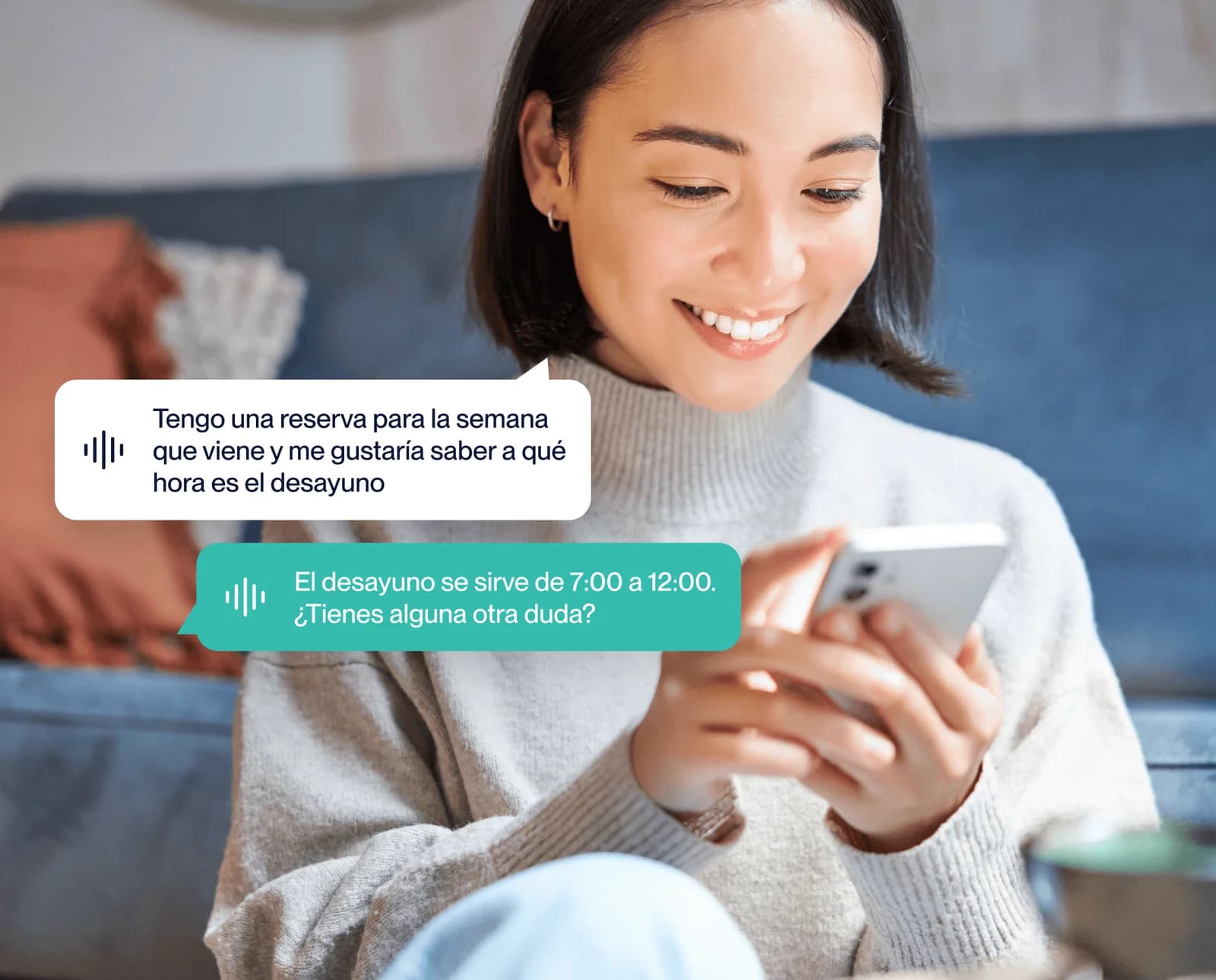
How Bookline's WhatsApp Campaigns module works: the 4 steps, the features, the campaign types, and what you can measure. Turn your reservation history into revenue.
Aug 13, 2026
WhatsApp Campaigns for Restaurants: The Complete Guide with Real Examples (2026)
Discover how to create WhatsApp campaigns for your restaurant that actually work: real examples, ready-to-use templates, and conversion metrics. The complete 2026 guide.
Jun 18, 2026
How to create a WhatsApp campaign for your restaurant: a step-by-step guide
A practical guide to launching your first WhatsApp campaign in hospitality: setup, templates, segmentation and metrics. No technical knowledge needed.
Try it
Try WhatsApp campaigns with your own customer base
Tell us about your business: in a demo we'll show you how to launch your first campaign from the portal and design a 30-day pilot with you.
Book a demo