If you've ever thought about using WhatsApp to talk to your customers at scale —not from the phone behind the bar, but professionally, automatically and measurably— there are four letters you need to know: WABA. Behind almost everything businesses do on WhatsApp today sits a WhatsApp Business Account, the official account Meta requires to operate at scale.
This article explains what a WABA is, how it differs from the WhatsApp Business app you download on your phone, and how Bookline uses it for two very concrete things: serving your customers with a WhatsApp AI agent and running WhatsApp campaigns that fill tables and rooms.
What a WABA (WhatsApp Business Account) is
A WhatsApp Business Account (WABA) is the account Meta assigns to a business to communicate with its customers through the WhatsApp Business API. It's your company's official identity inside the WhatsApp ecosystem: it hangs off your Meta Business Manager, groups one or more verified phone numbers, and unlocks features the regular app doesn't have.
Don't confuse it with the other two ways of using WhatsApp:
- WhatsApp (the personal app): for talking to friends and family. Not designed for businesses.
- WhatsApp Business (the app): free, for freelancers and small businesses that handle chats by hand from a phone. Fine for low volume, but it can't be automated or integrated with other systems.
- WhatsApp Business Platform (the API) + WABA: the professional option. It lets you automate replies, connect a CRM or an AI assistant, send bulk messages with approved templates, and measure everything. This is where the WABA lives.
The pieces of a WABA: number, Business Manager, templates and BSP
For a WABA to work, a few elements need to be in place:
- Meta Business Manager: your company's root account on Meta, where the WABA is created and verified.
- Verified phone number: the number you send from and receive on. Once connected to the API, it's no longer used in the phone app.
- Business verification: Meta checks your company is real to give you higher sending limits and the green official-account tick.
- Message templates: to start a conversation yourself (outbound messages) you need templates pre-approved by Meta. Within the 24 hours after a customer messages you, you can reply freely without a template.
- BSP (Business Solution Provider): a Meta-authorised technology partner that gives you access to the API without integrating directly yourself. Bookline acts as that layer: we set up and manage the WABA for you.
The good news is you don't need to master any of this. It's the BSP's job, and it's exactly what Bookline handles so you only have to focus on talking to your customers.
Put your WhatsApp to work with AI
Bookline sets up your WABA, connects the AI agent and activates campaigns for you. Tell us about your business and we'll prepare a tailored demo.
Request your demoWhat a WABA lets you do in a restaurant or hotel
A properly set up WABA turns WhatsApp into a real business channel, not an inbox someone checks when they get a moment:
- Handle enquiries 24/7 without anyone glued to the phone.
- Confirm and remind about bookings automatically to cut no-shows.
- Answer FAQs —opening hours, location, menu, parking— instantly.
- Send campaigns to your customer base with offers, news or seasonal reminders.
- Measure every interaction: delivery, reads, clicks and bookings generated.
Bookline's two products, both built on your WABA, take care of all of this.
The WhatsApp AI agent: the part that answers
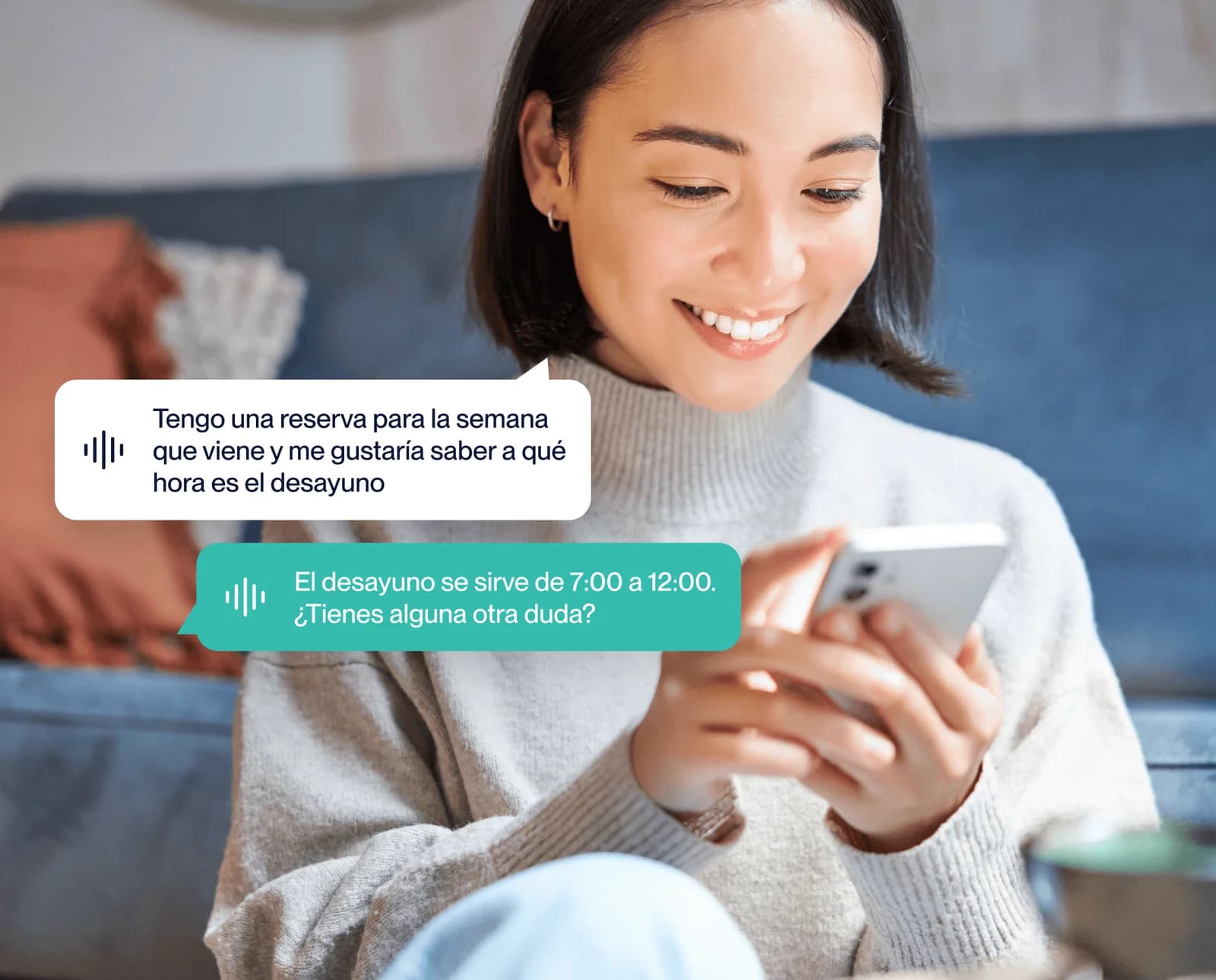
Bookline's WhatsApp AI agent is the inbound side: it responds to customers who message you. It's not a button-based chatbot but a conversational agent that understands natural language and resolves requests end to end.
It manages bookings, answers questions about the menu or services, hands off to a person when needed, and works in several languages, all from your WABA number. For the customer it feels like messaging the same restaurant or hotel as always; behind the scenes, an AI attends without breaks and without waiting lists.
WhatsApp campaigns: the part that reaches out
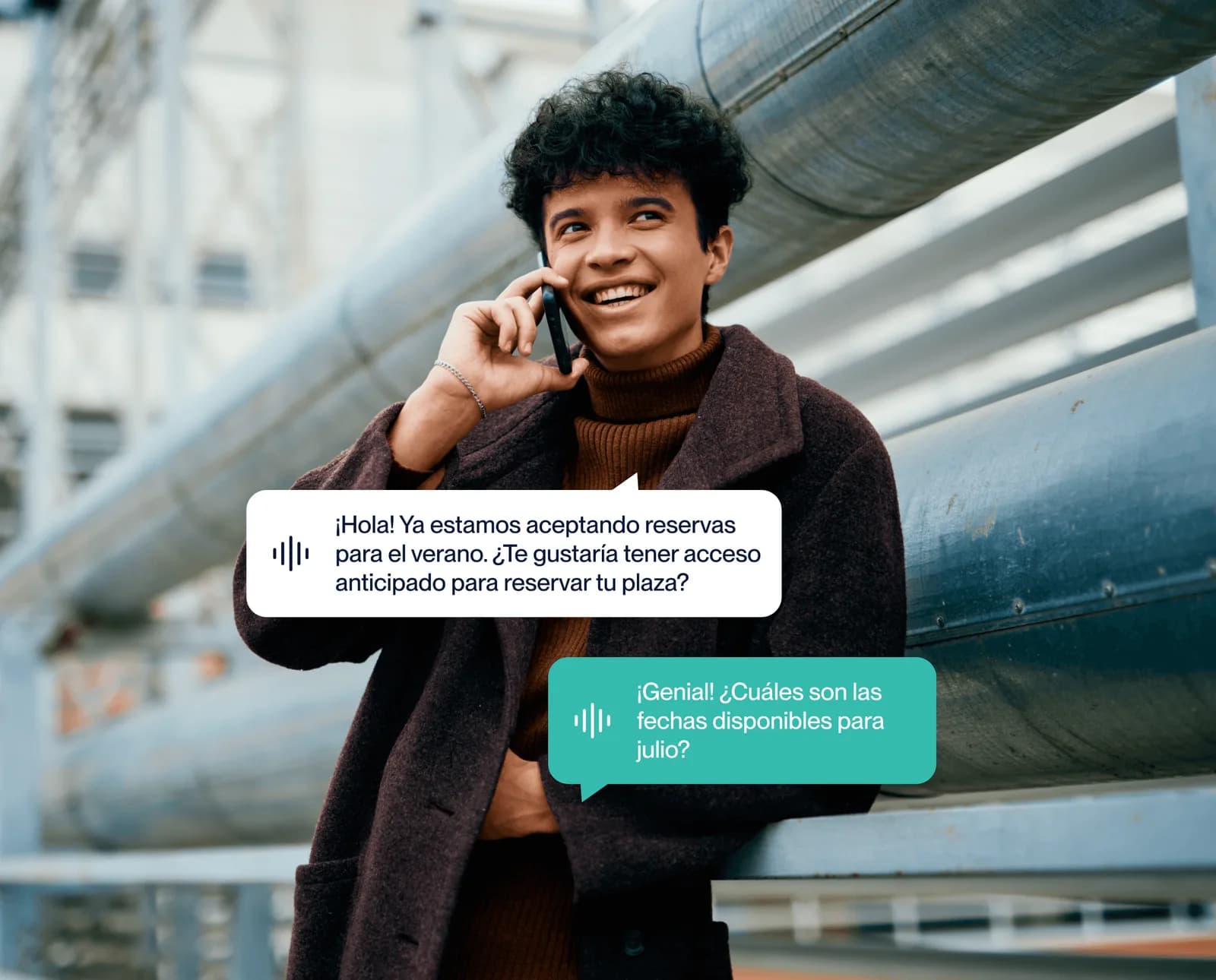
If the agent serves whoever messages you, Bookline's WhatsApp campaigns are the outbound side: the ones you start. You upload your contact base, pick an approved template, personalise it with variables —name, date, offer— and measure delivery, reads and bookings from your portal.
It's how you re-activate customers who haven't come back in a while, fill quiet slots or announce a new menu, making the most of the fact that WhatsApp gets opened in minutes, not days. And because everything runs on your WABA with templates compliant with Meta's policy, you don't risk the number getting blocked. You can look at ready-to-use examples and templates for inspiration.
Inbound and outbound on the same WABA
The big advantage of building everything on a single WABA is that your inbound and outbound communication live in the same place, with the same number and the same history. A WhatsApp campaign can end in a conversation with the AI agent that closes the booking inside the chat itself, without jumping to another website or another tool.
That full loop —you reach out, the customer replies, the AI books— is what turns WhatsApp into a revenue channel and not just another message inbox.
How to get started with your WABA
Setting up a WABA on your own means creating the account in Meta Business Manager, verifying the business, connecting and validating the number, and requesting template approval. It's doable, but it takes time and has its pitfalls.
With Bookline, we handle that process: we set up the WABA, verify the number, get your templates approved with Meta and have both the AI agent and the campaigns module ready to go. You only decide what you want to say and to whom.