INSTAGRAM ASSISTANT FOR RESTAURANTS
Instagram auto-replies that end in a booking
Guests message you on Instagram at all hours: to book, to ask for the menu or to check if there’s a table. Bookline’s assistant answers straight away, turns every comment into a private conversation, and publishes and schedules your posts.
SOUND FAMILIAR?
Your Instagram gets questions nobody answers in time
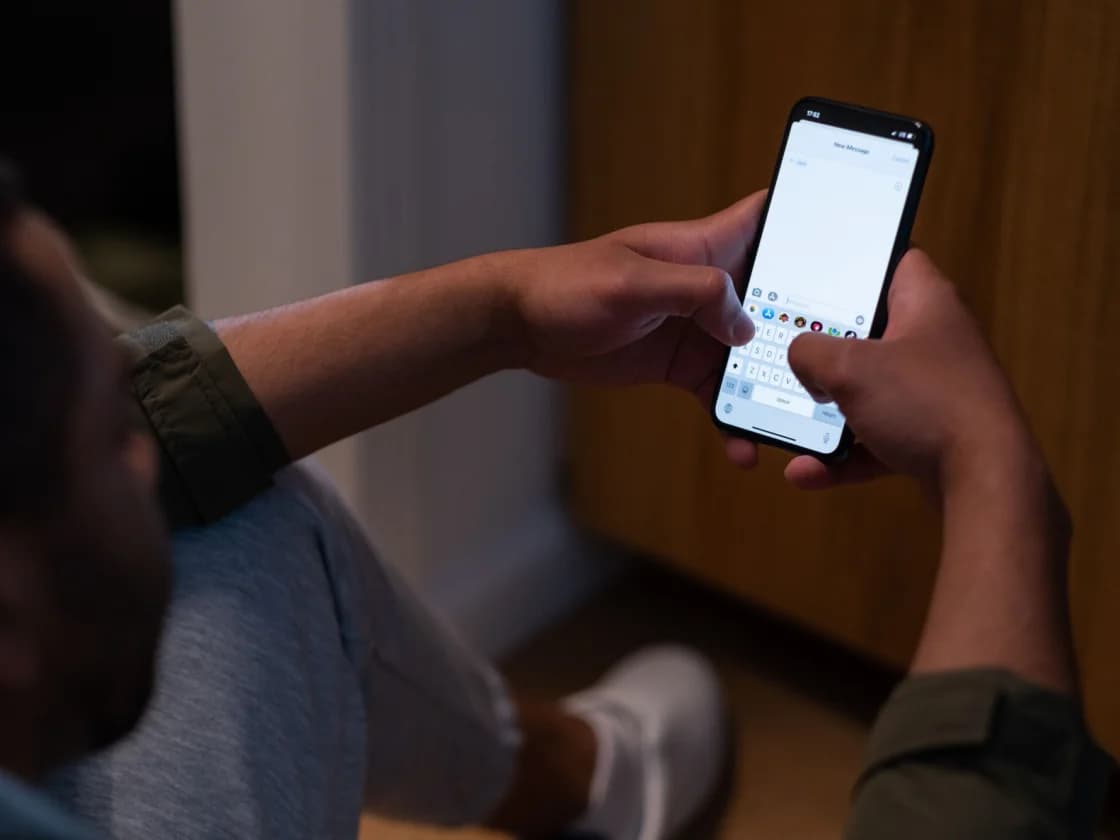
Instagram is where guests find you. But messages arrive mid-service or at midnight, and every one left unanswered is a table that goes somewhere else.
Someone asks for a table by DM and you reply the next day
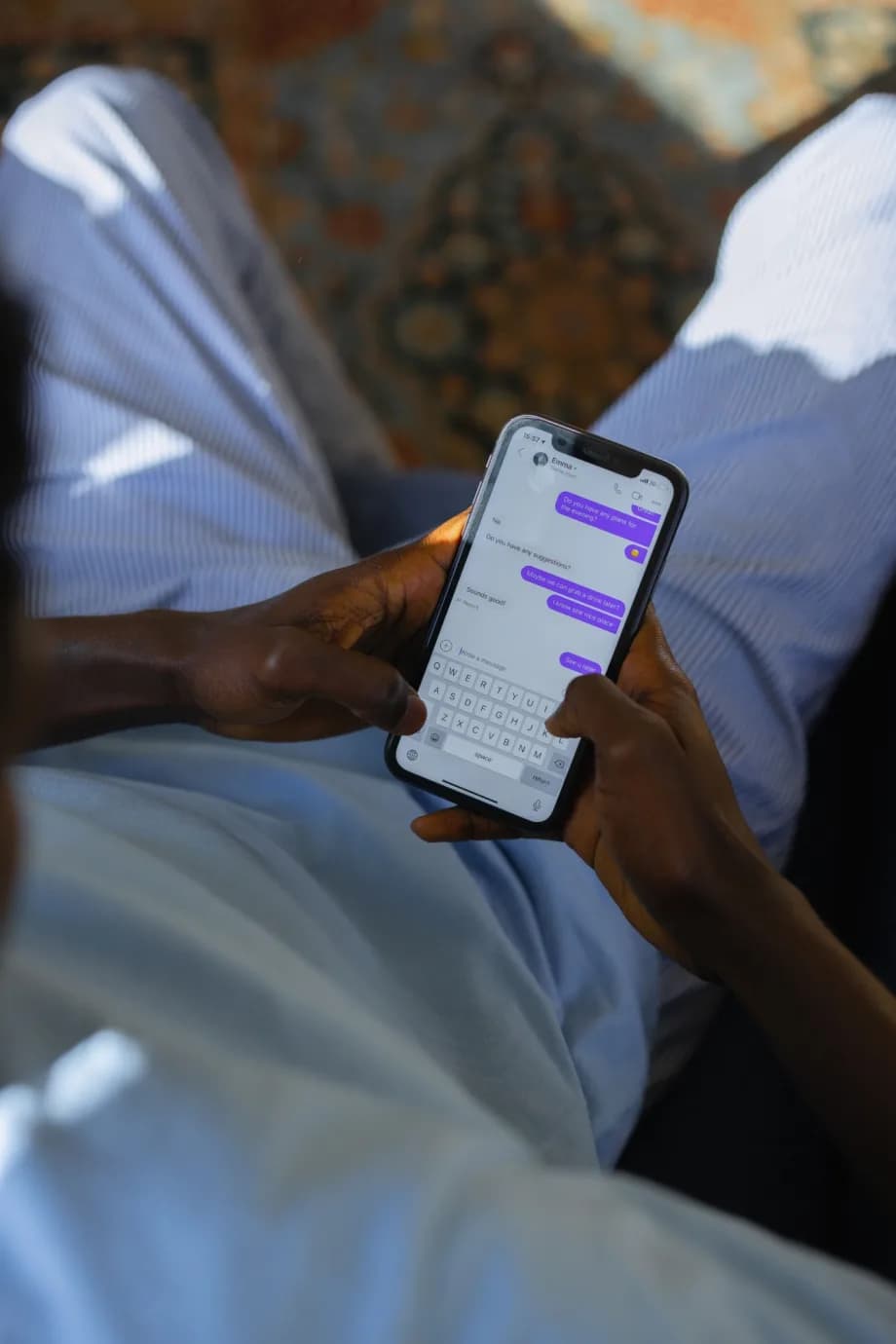
By then they’ve booked somewhere else. On Instagram, whoever doesn’t reply fast loses the booking.
Comments go unanswered
“Price?”, “Any vegan options?”, “Info”. Every comment is someone interested, and almost nobody replies to them in private.
The same questions, every day
Opening hours, the menu, how to get there, whether dogs are allowed. Your team copies and pastes the same answers between services.
Posting is one more task that gets put off
No posts means no comments and no messages. And when you finally post, nobody keeps an eye on what comes in afterwards.
WHAT IT IS
What are automatic messages on Instagram?
They’re replies your account sends on its own, without anyone on your team writing them. Instagram only offers quick replies, which someone still has to send by hand; Bookline connects through Meta’s official API and answers with AI, using your restaurant’s information.
Three things it does for you
Answers DMs
Bookings, menu, opening hours and location, straight away and in the guest’s language.
Turns comments into DMs
Anyone who comments a keyword on your post gets a private message instantly.
Publishes and schedules
Schedule the post from Bookline and, in the same step, the automatic reply to its comments.
24/7
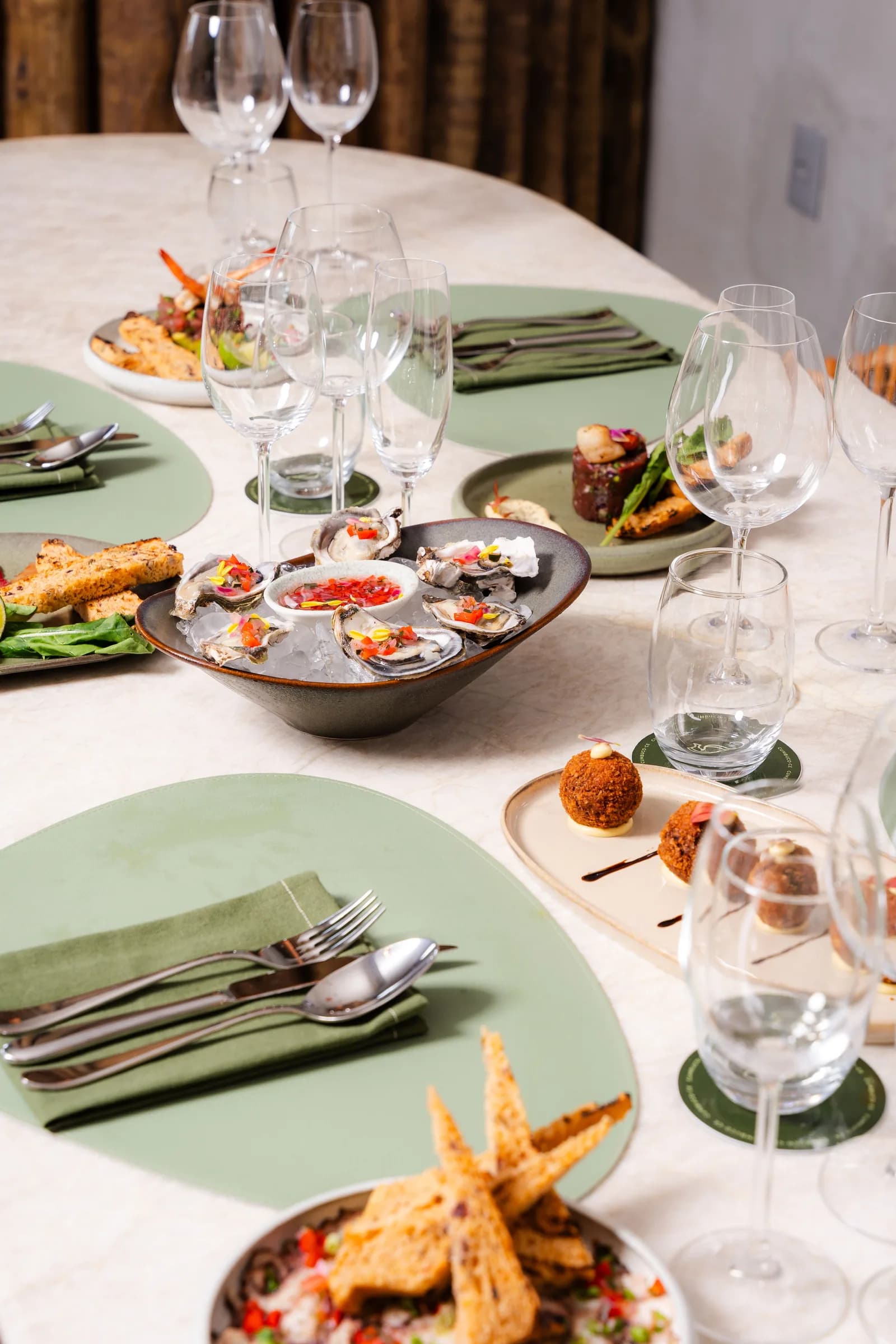
Replies late at night and mid-service, when nobody can check the phone.
Official API
A connection authorised by Meta, without sharing your account password.
Their language
Replies in the language each guest writes in.
USE CASES
What your guests ask you on Instagram
Every conversation ends where it should: in a booking, on your menu, or with your team when it’s needed.
Bookings completed inside the chat
The guest asks for a table and the assistant offers the times left and confirms the booking, without leaving Instagram.
- Offers the times still available
- Confirms the booking in the same chat
- If something gets complicated, hands the conversation to your team
The menu, for whoever asks
They comment MENU on your post or ask for it by DM, and get the link instantly.
- Replies to comments and to direct messages
- The link you choose: menu, set lunch, group menu
- And it offers a table while it’s at it
Giveaways that don’t eat up your day
Ask people to comment a word to enter and the assistant replies to every entrant in private, with the rules or the next step.
- One private reply per entrant
- Whatever keywords you want on each post
- Everything stays in the log
Opening hours, directions and more, without copy and paste
What your team answers ten times a day, answered on its own with your restaurant’s information.
- Opening hours and closing days
- How to get there and where to park
- Vegan, gluten-free or kids’ options
Answers at 1 am just like at 3 pm
Messages arrive when nobody can check the phone, many of them from tourists. The assistant answers at any hour and in their language.
- 24/7, no shifts
- In the guest’s language
- Handover to your team when needed
Comparison
Instagram quick replies vs. AI-powered automated messages
Quick replies save typing, but someone still has to read every message and send them. Bookline's automated messages reply on their own.
| Instagram quick replies | Automated messages with Bookline | |
|---|---|---|
| Included free in Instagram | Yes | No |
| Replies without anyone on the team keeping watch | No | Yes |
| Understands the question and answers with your restaurant's information | No | Yes |
| Finds a table and confirms the booking in the chat | No | Yes |
| Sends a DM to anyone who comments a keyword | No | Yes |
| Replies in the small hours and mid-service | No | Yes |
| Replies in the customer's language | No | Yes |
Quick replies: saved texts in Instagram that your team inserts by hand into each conversation.
HOW IT WORKS
Up and running in four steps
Connect your account, tell it what it needs to know about your restaurant, and the assistant starts answering.
Connect your account
Your professional Instagram profile, in a couple of clicks and without sharing your password.
Tell it about your restaurant
Menu, opening hours, bookings and location: what it needs to answer the way your team would.
Publish and choose keywords
Schedule the post and decide which words in the comments send a private message.
It answers on its own
DMs and comments get answered straight away. You see everything in the log.
Everything that goes out, in plain sight
Every active rule, every connected post and every DM sent, with its keyword and status. If something isn’t sent, you see it.
TRY IT
See how it would answer your messages
We’ll show you the assistant working with your restaurant’s real menu, opening hours and questions.
Contact our teamCustomer portal
See every message and what it brings your business
The Instagram DMs it answers are logged in the customer portal, next to your calls and WhatsApp chats, and the dashboard turns them into metrics you can check whenever you like.
Every conversation, one by one
Call by call and chat by chat, with date, customer, channel and venue. Everything your assistant does is there for you to review.
Metrics that make sense
Bookings handled, contact reasons, languages, peak hours and the return on the service, organised into blocks.
Filter and export
By venue, period and channel. And export the data in one click to cross it with your own.
Everyone sees their part
Give your team access with different roles; the most sensitive blocks stay visible to admins only.
Many AI assistants answer and show you nothing else. With Bookline, the data from your conversations is in plain sight, organised and ready to act on — and the portal is included in the service.
Explore the customer portalFAQs
Frequently asked questions about the Instagram assistant
How automatic messages work on Instagram and what Bookline’s assistant does.
Instagram comes with quick replies — saved texts your team inserts by hand in each chat — and FAQs that appear when someone opens a conversation. Neither answers on its own. For messages to be answered automatically you need a tool connected through Meta’s official API, which is what Bookline does: you connect your professional account and the assistant replies for you.
A quick reply saves typing, but someone still has to read the message, choose the answer and send it. Bookline’s assistant understands what it’s asked and answers on its own, at any time: it finds a table, confirms the booking and answers about the menu or hours with your restaurant’s information.
It answers your restaurant’s direct messages — bookings, menu, opening hours, location — replies in private to anyone who comments on your posts with a keyword, and publishes and schedules your posts from Bookline. Everything it sends is logged with its status.
Yes. You publish or schedule your posts from Bookline and, in the same step, choose which keywords in the comments send a private message. That way the auto-reply is ready the moment the post goes live.
A professional Instagram account. It connects from Bookline in a couple of clicks, without switching accounts or sharing your password.
In whichever language each guest writes in, so tourists get the answer in theirs without your team having to translate.
It hands the conversation to a person on your team, with everything said so far, so nobody has to ask again.
Yes. Bookline is an authorised Meta Business technology partner and connects your account the official way, following Instagram’s messaging policies.
CONTACT
Contact our team
Tell us how you use Instagram at your restaurant and we’ll show you how the assistant would answer your messages and comments, with your menu and your opening hours.
- A person from our team gets back to you
- We look at it with your account and your restaurant
- No commitment