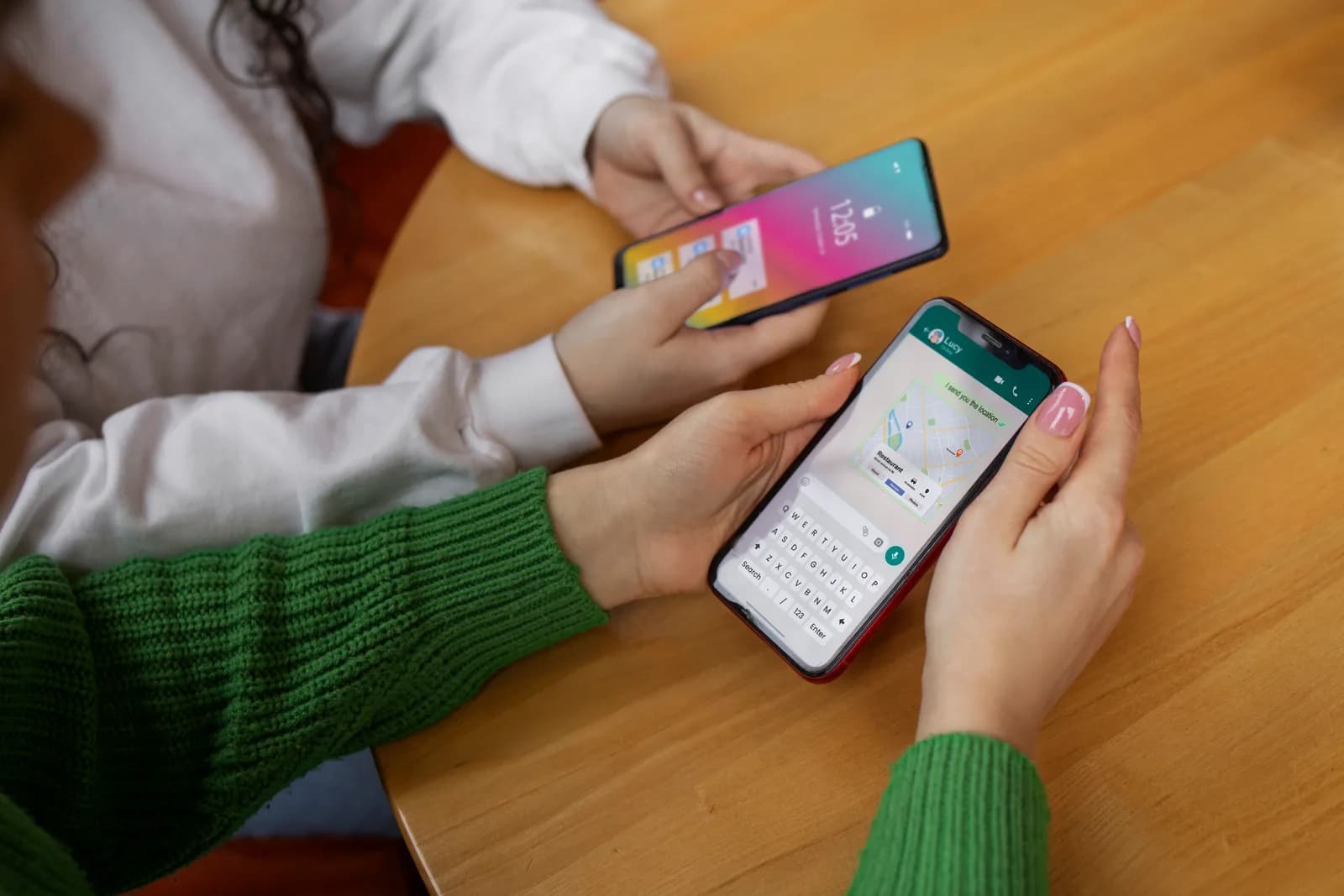
Creating a WhatsApp campaign for hospitality doesn't take advanced technical knowledge, but it does take an orderly process. You need to define the objective, prepare the contact base, create and get your message templates approved, segment the send and measure the result. This guide explains every step with the level of detail a first-timer needs.

Step 1: Define the objective of the campaign
Before you write a single message, you need to know what you want to achieve. The objective determines everything else: the customer segment you send to, the content of the message, the timing of the send and the metric you will use to measure the result.
The most common objectives in hospitality are: recovering lost bookings, promoting a specific menu or event, reactivating customers who haven't come back within a defined period, filling low-occupancy dates, or asking for reviews after the visit. Don't try to do several things with one message. One campaign, one objective.
Step 2: Create the message templates
WhatsApp requires outbound marketing communications to use templates approved in advance by Meta. A template is a text with fixed parts and variable parts that are personalised for each recipient.
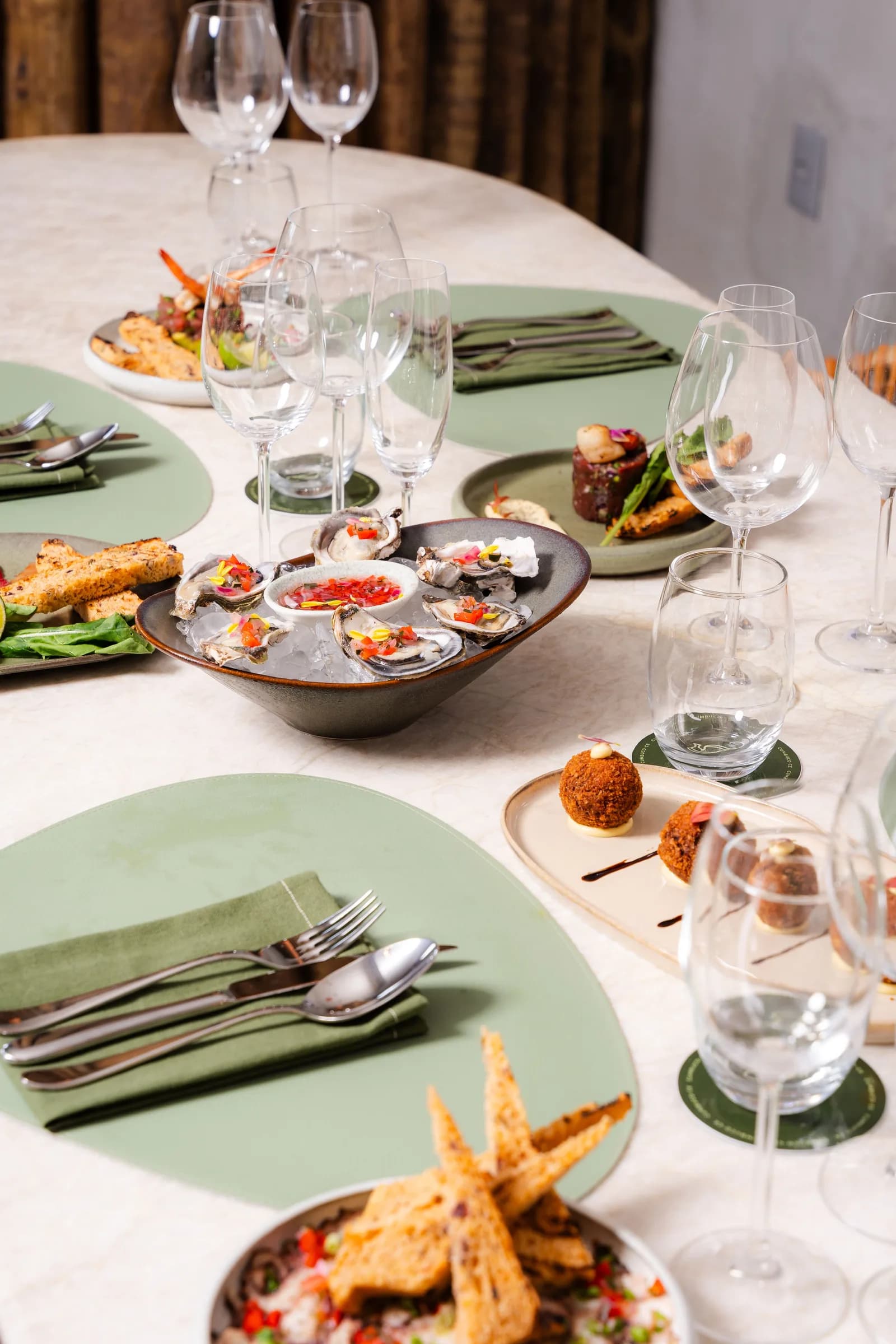
Example template for a seasonal menu campaign: 'Hi {{name}}, this month at {{restaurantname}} we've launched our autumn menu with the best seasonal produce. Available until November 30. Would you like to book a table? {{bookinglink}}'
Template approval normally takes between 24 and 72 hours. Meta can reject templates that include excessive discount promises, spammy language, or anything that fails to meet its standards for business communication.
Step 3: Segment the send
Don't send the same campaign to your entire database. Segmentation improves the results because the message reaches people it is relevant to. The most useful segmentation criteria in hospitality are: date of last visit, number of visits, type of visit (couple, family, group), and stated preferences.
Step 4: Set the timing of the send
For restaurants, the best results come from sends between Tuesday and Thursday, between 10:00 and 13:00. Mondays perform worse because customers are in work mode. Fridays and Saturdays get good open rates but low conversion, because the customer already has plans for the weekend immediately ahead.
Step 5: Launch and monitor
The metrics to track are: number of messages sent, delivery rate, open rate, response rate, and number of bookings generated. If the open rate is below 60%, review the timing and the content of the message.
Step 6: Learn and optimise
Every campaign produces data that makes the next one better. Keep a record of the results of each campaign (date, objective, segment, metrics) so you can compare them and spot patterns. After three or four campaigns you already have a solid view of what works for your specific venue.